Backbrain · git‑aware memory for your dev workflow

Keep a running memory of your work. Searchable from the CLI & readable by AI

NPM Downloads NPM Version NPM License GitHub commit activity

Backbrain lives next to your code: helps you logs what you’re doing on each branch

# install & init
$ npm install -g @dev_desh/flux-cap
$ bb init
Backbrain initialized in this repo.
# log & recall
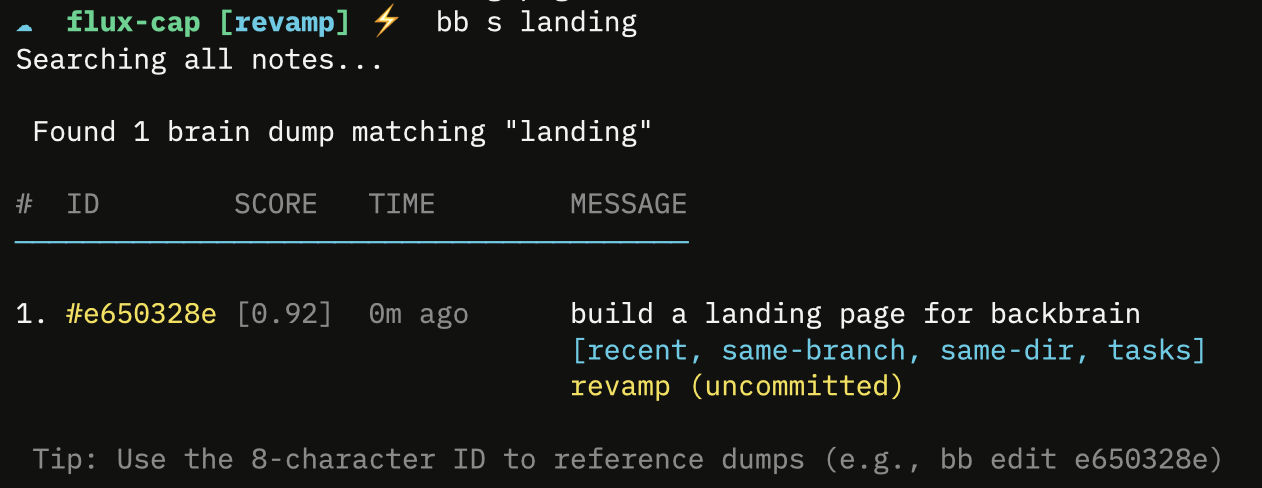
$ bb n -t build a landing page for backbrain
$ bb s landing
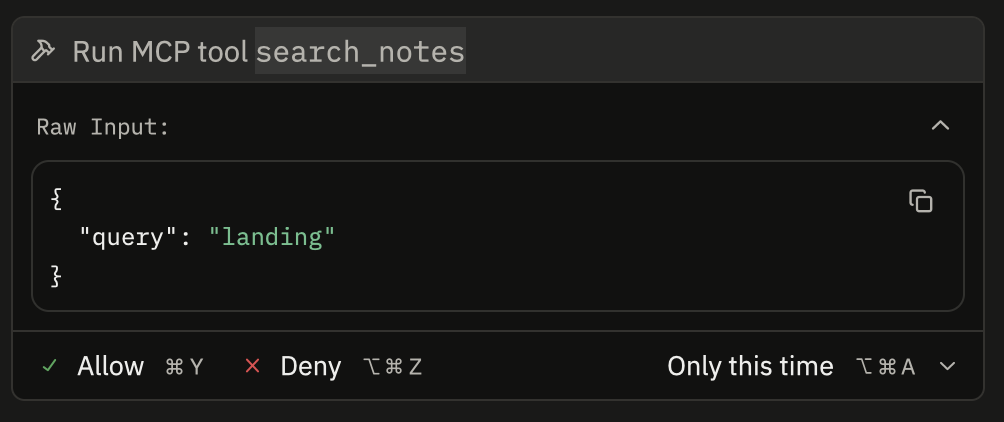
mcp search example
search example

* Previously called flux‑cap. CLI flux still works as an alias.
Not a notes app – but a memory layer that sits alongside your repo and your AI.

01 · Make an Entry

Drop tiny snapshots of what you’re doing, right where the work happens.

$ bb n fixing JWT refresh on /api/auth

02 · why is this auth here??

Jump back into a branch or directory with search ranked by recency and git context.

$ bb s auth

03 · Let your AI tap in

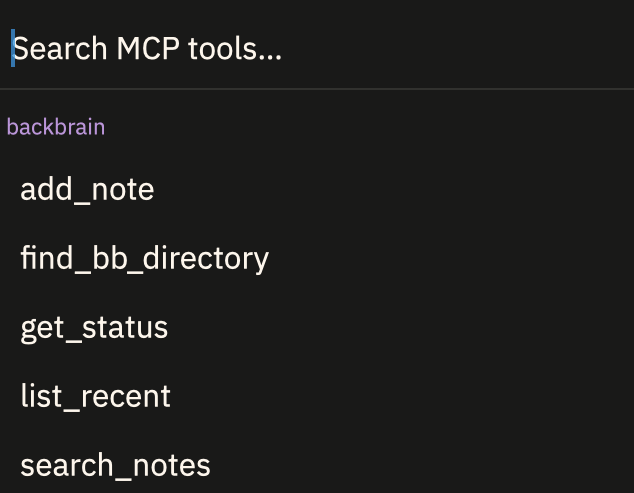
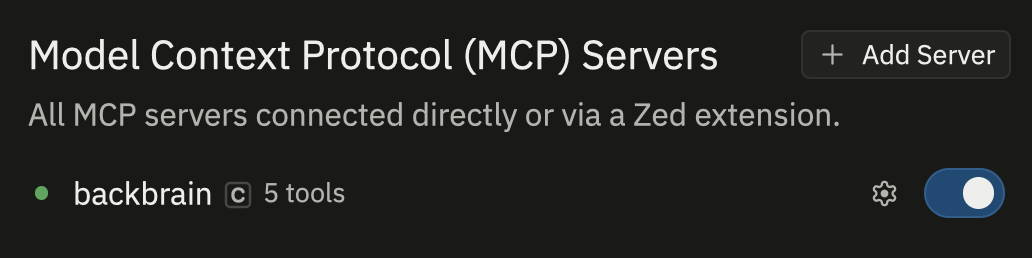
Expose Backbrain as MCP so your assistant can read your history and write new notes into the same system.

{
"mcpServers": {
"backbrain": {
"command": "bb",
"args": ["mcp-server"]
}
}
}

04 · Brain Dumps now semantic searchable

Expose Backbrain as MCP so your assistant can read your history and write new notes into the same system.

“Before you answer, search Backbrain for notes about this repo and branch.”

Get started in 30 seconds

$ npm install -g @dev_desh/flux-cap
$ bb init
$ bb n starting work on rate limiter
$ bb s rate limiter

From there, you can setup Backbrain to quietly keeps your history – you just keep coding.